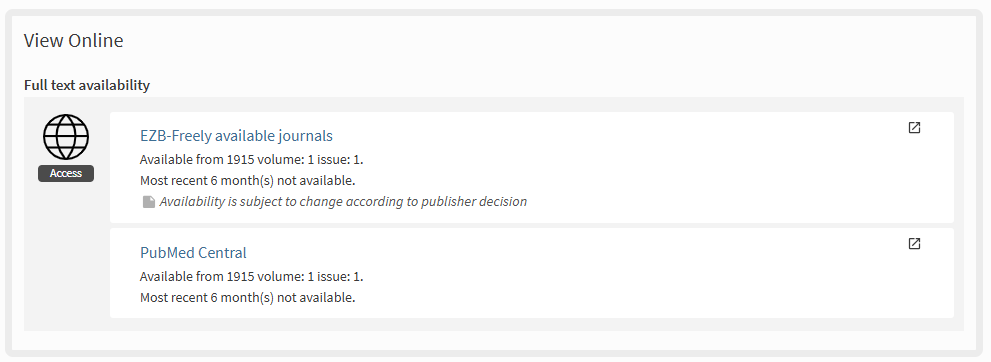
The “View online” section provides access to the full text of an e-resource. Simply click on the links to open the page containing the resource.
Please note that access to some e-resources is restricted and available only within a specific IP range or after activating services such as VPN, Eduroam, or EZProxy.
For more information on accessing e-resources, see the “Online resources” page.